I migliori programmi online per scaricare immagini nel 2026: download facili e veloci.

Scaricare una o due immagini online è facile, ma salvarne decine o centinaia può diventare rapidamente un'operazione lunga e complessa. Aprire e salvare manualmente ogni immagine è particolarmente tedioso nelle pagine web ricche di immagini.
I programmi online per scaricare immagini offrono una soluzione più rapida. Questi strumenti basati su browser consentono di inserire l'URL di una pagina web, cercare le immagini, visualizzare l'anteprima dei risultati e scaricarle, con alcuni che supportano anche il download in blocco di file ZIP.
In questa guida, presenteremo alcuni popolari programmi online per scaricare immagini, confrontandone vantaggi e svantaggi.
1. I migliori programmi online per scaricare immagini in modo facile e veloce
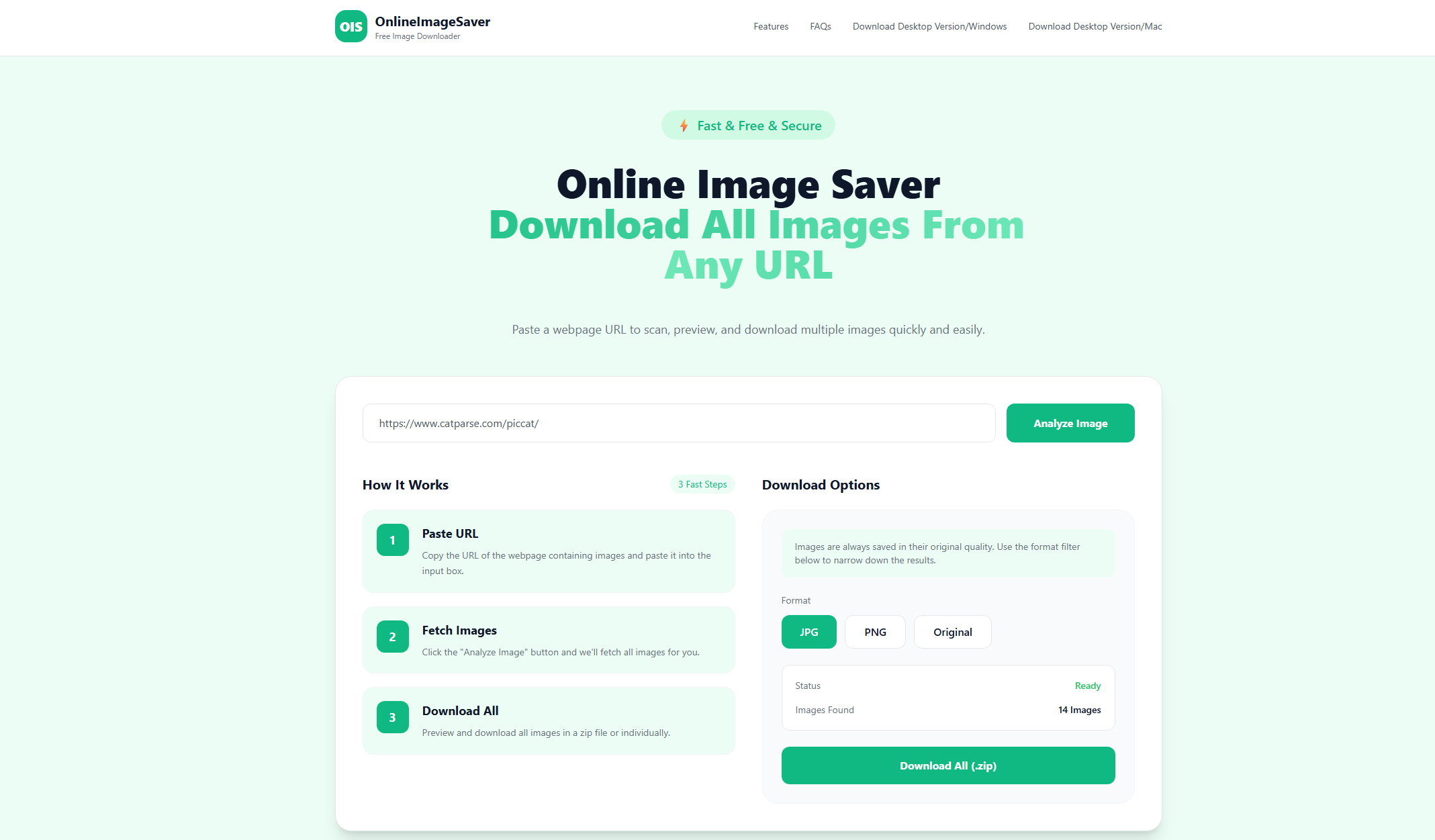
1.1 OnlineImageSaver.com
OnlineImageSaver.com è un programma online gratuito per scaricare immagini che permette di estrarre più immagini da una pagina web semplicemente inserendone l'URL.
Dopo la scansione, è possibile visualizzare in anteprima e selezionare le immagini da scaricare singolarmente o come file ZIP. Il programma supporta i formati più comuni come JPG, PNG, WebP, GIF e SVG, preservando la qualità originale dell'immagine. Non è richiesto alcun software o estensione per il browser.
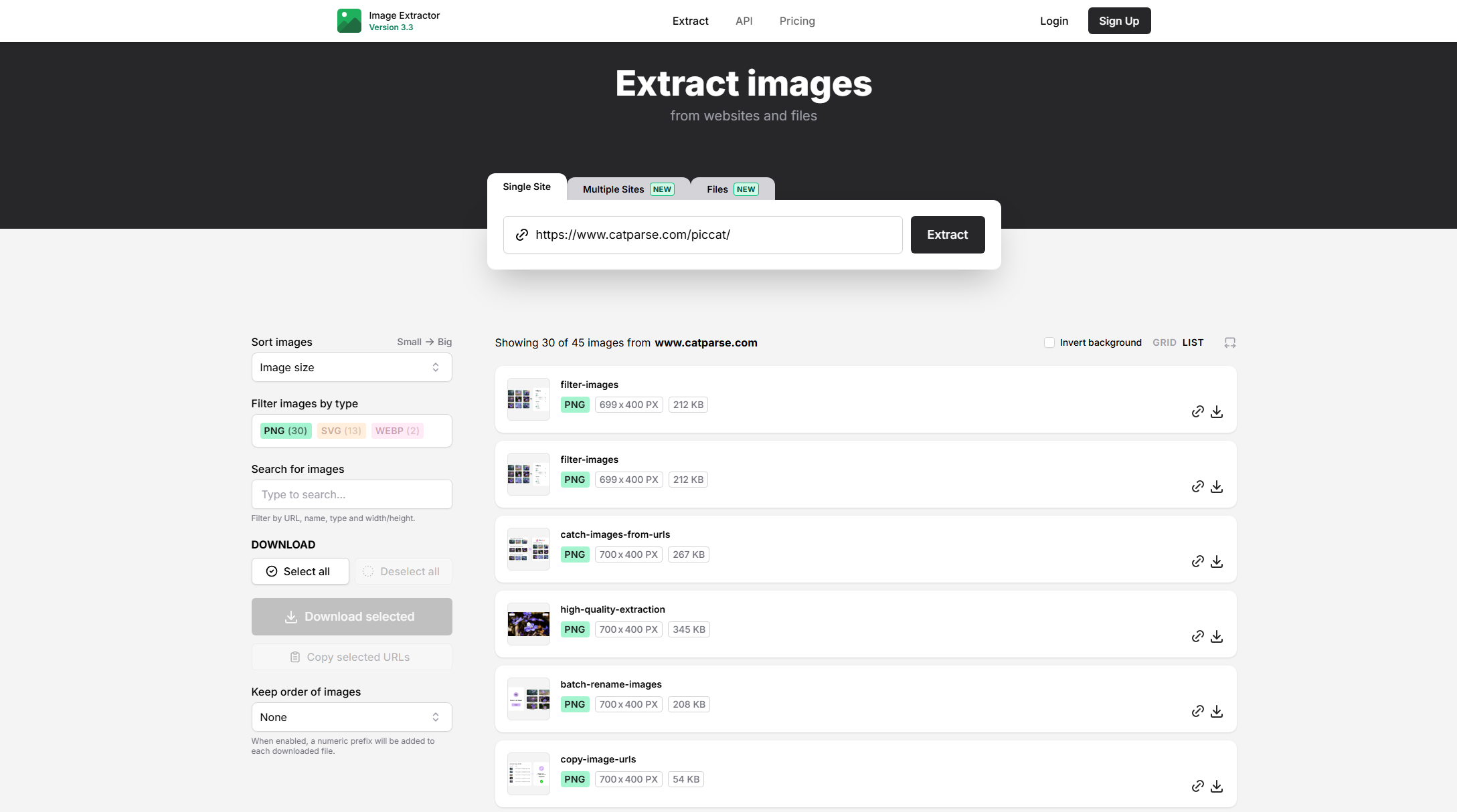
1.2 Extract.pics
Extract.pics è un servizio di estrazione di immagini in grado di elaborare pagine web e identificare le immagini presenti al loro interno. Supporta l'estrazione di singole immagini da URL e l'estrazione in blocco, consentendo agli utenti di raccogliere immagini da più fonti in un unico flusso di lavoro. L'aggiornamento di marzo 2026 ha introdotto l'estrazione in blocco da più URL e la possibilità di estrarre immagini da file come PDF, presentazioni PowerPoint, documenti Word, file Keynote, file OpenDocument e archivi ZIP.
Gli utenti possono cercare, filtrare e scaricare le immagini estratte, rendendo il sistema utile ben più che il semplice salvataggio di una singola immagine.
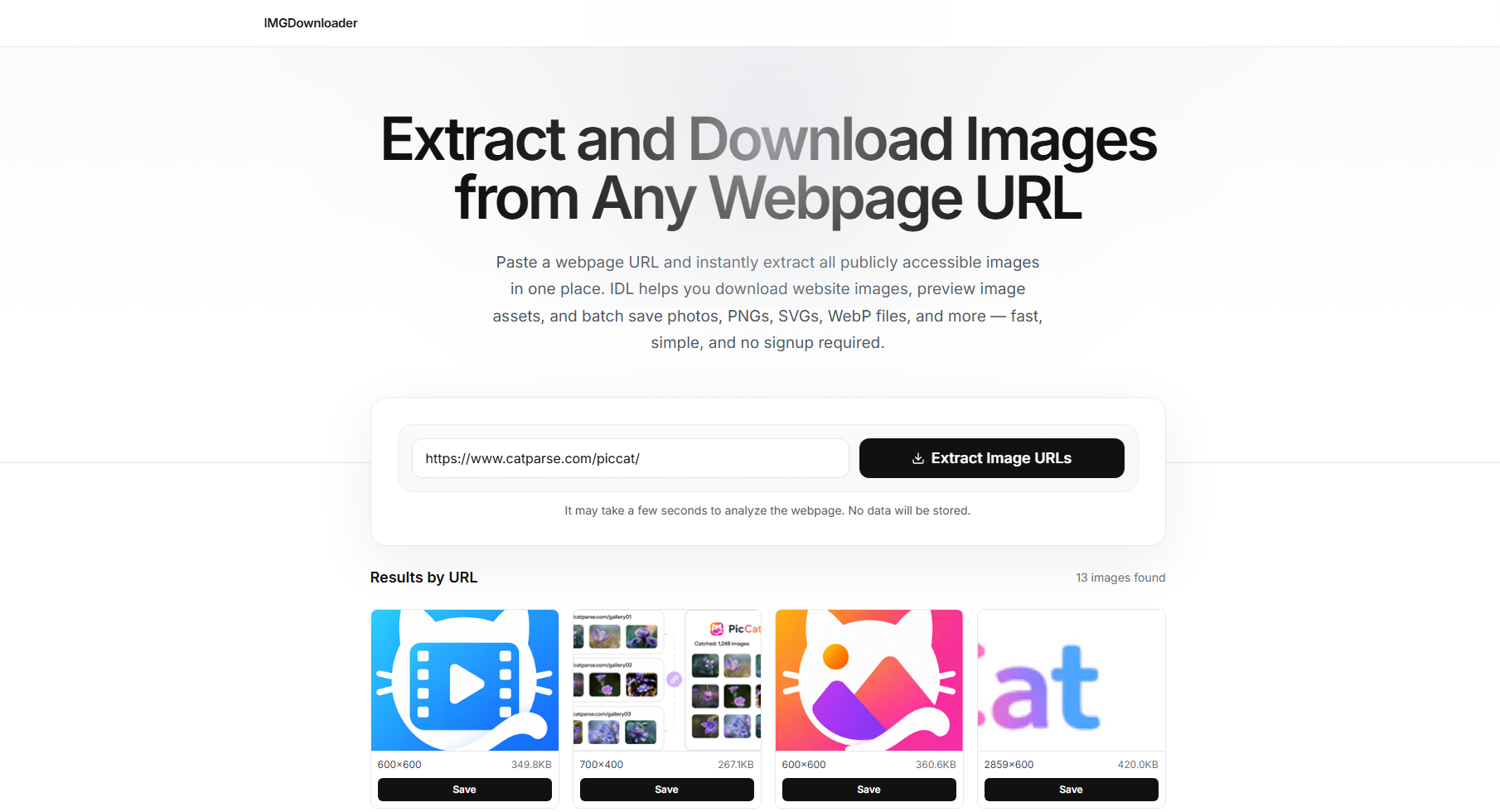
1.3 ImgDownloader.com
ImgDownloader.com è progettato per estrarre e scaricare immagini accessibili pubblicamente dagli URL delle pagine web. Gli utenti possono incollare l'indirizzo di una pagina web e lasciare che lo strumento cerchi le immagini disponibili. Il servizio supporta formati comuni come JPG, PNG, WebP, GIF, SVG e AVIF, oltre a molte immagini caricate in modo differito e renderizzate dinamicamente.
Le immagini estratte possono essere visualizzate in anteprima prima del download ed è possibile salvare più immagini insieme in un archivio ZIP. Non è richiesta alcuna registrazione, estensione per il browser o installazione sul computer.
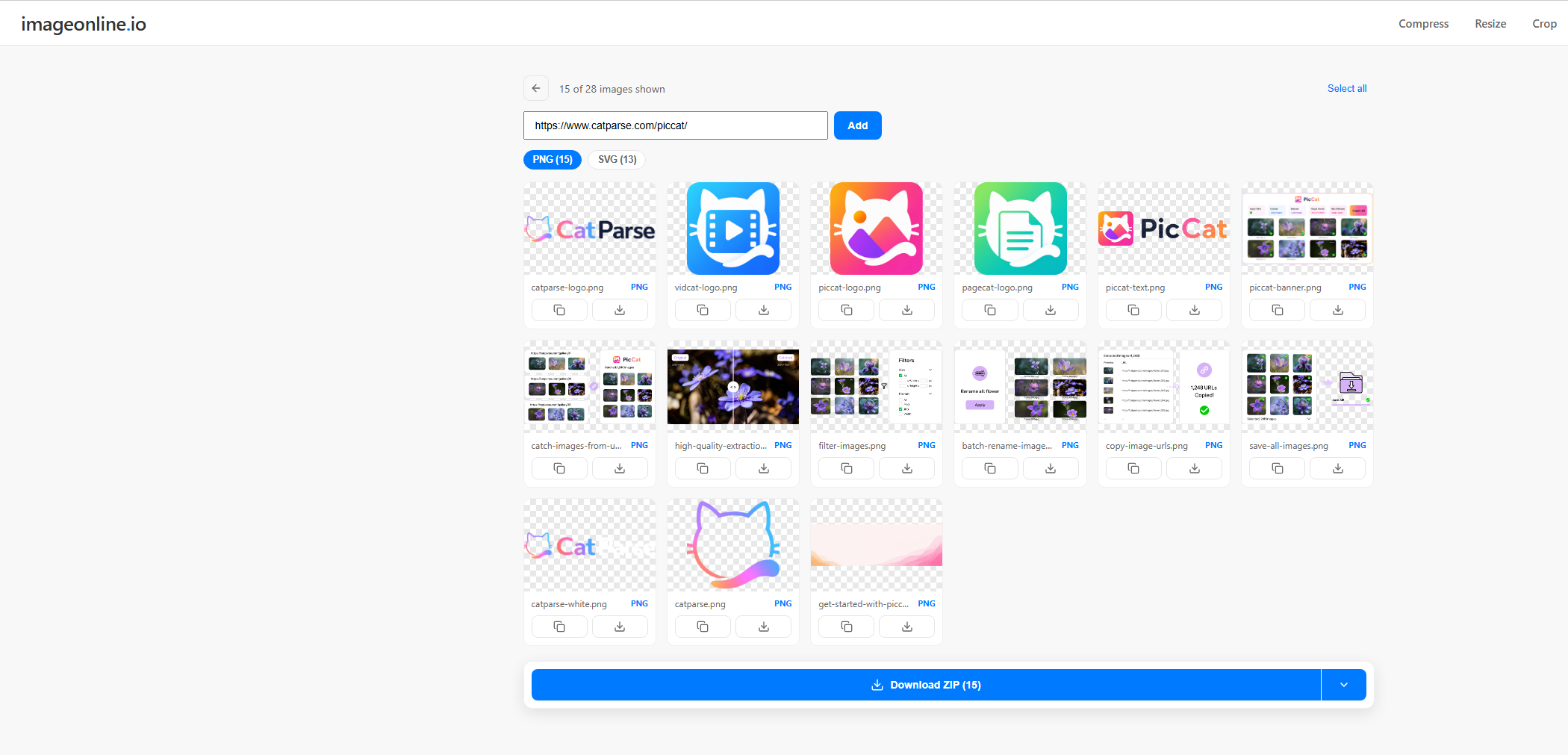
1.4 Estrattore di immagini ImageOnline.io
L'estrattore di immagini di ImageOnline.io fornisce un modo semplice per estrarre immagini da una pagina web. Incolla l'URL di una pagina pubblica, fai clic Estrarre Lo strumento visualizza le immagini rilevate in una galleria. È possibile selezionare singole immagini o scaricare l'intera raccolta.
Supporta inoltre più URL di pagine web, con la possibilità di combinare fino a 10 siti in un'unica galleria. Questo può essere utile per gli utenti che necessitano di raccogliere immagini da diverse pagine senza doverle aprire singolarmente.
1.5 ExtractPics.com Image Downloader
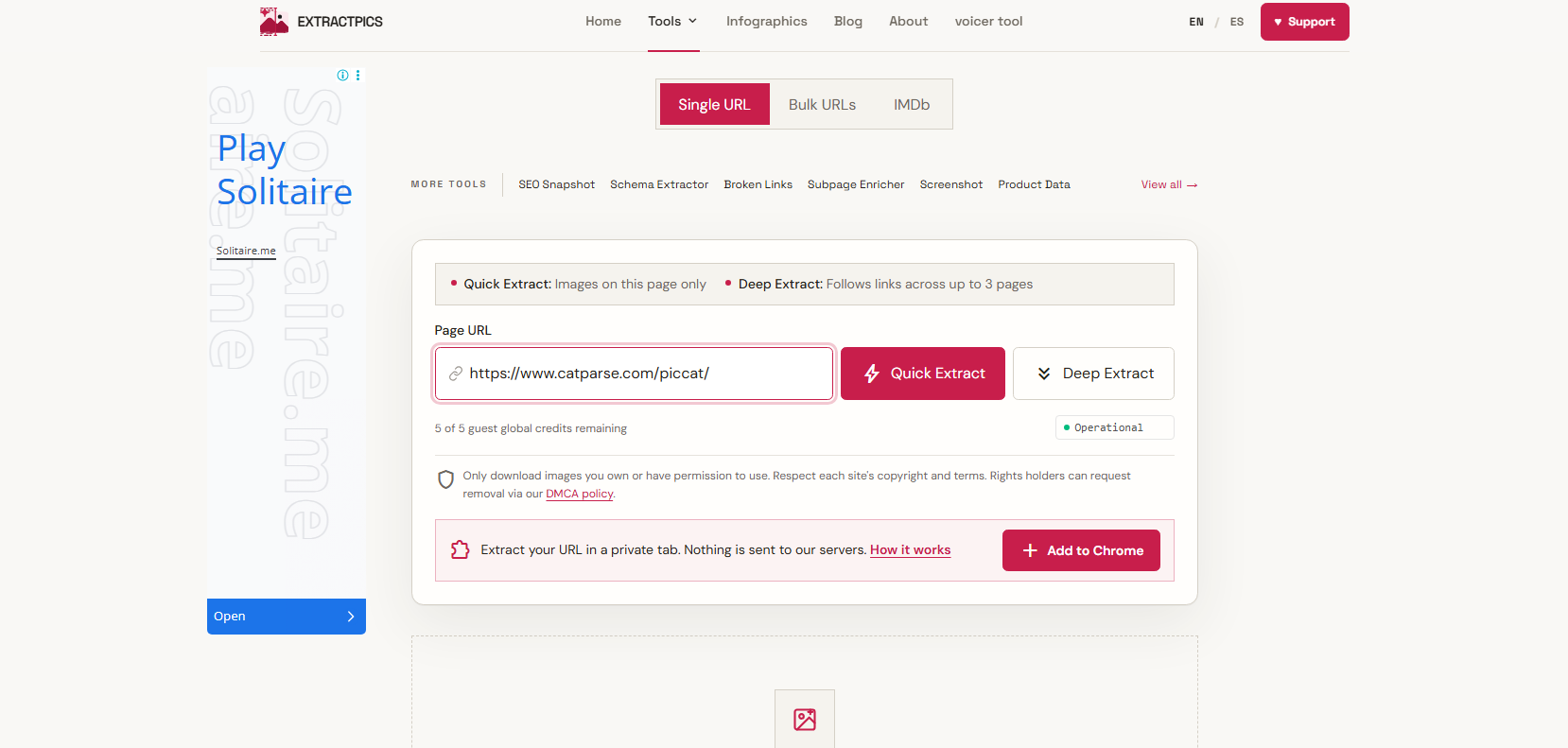
ExtractPics.com si concentra specificamente sull'estrazione di immagini dalle pagine web. Il suo strumento di download di immagini è in grado di scansionare una pagina pubblica, visualizzare le immagini trovate e consentire agli utenti di scaricare singoli file o un archivio ZIP completo.
Uno dei suoi vantaggi è la sua capacità di lavorare con pagine web moderne. Il servizio afferma di poter rilevare immagini caricate in modo differito, responsive
srcset
Supporta immagini, immagini di sfondo CSS, SVG e immagini che compaiono dopo lo scorrimento. Offre inoltre opzioni di filtro per consentire agli utenti di trovare le immagini di cui hanno effettivamente bisogno.
1.6 BulkImageDownloader.in
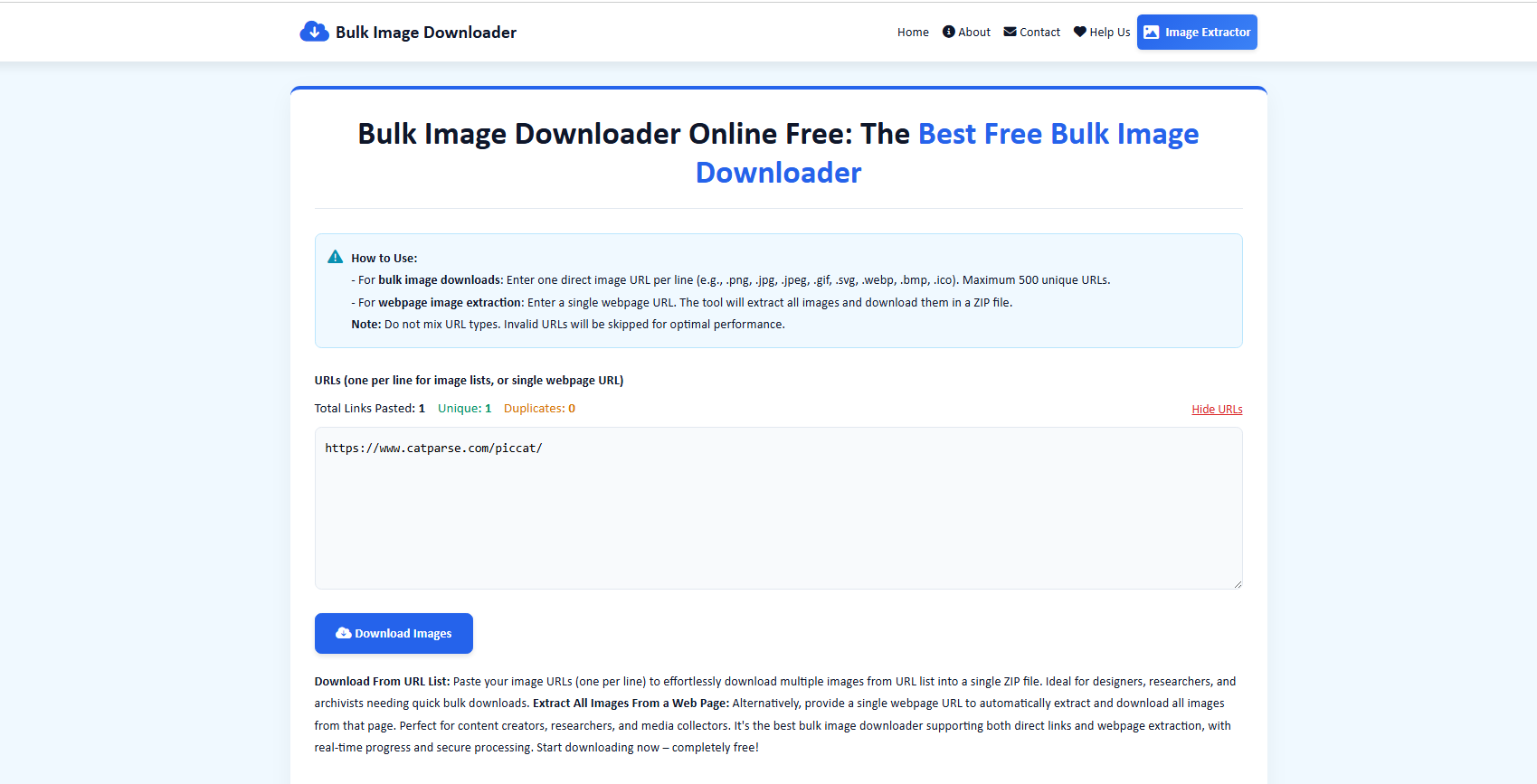
Come suggerisce il nome, BulkImageDownloader.in è progettato per il download di immagini in blocco. Offre due metodi principali: gli utenti possono incollare più URL diretti di immagini oppure inserire l'URL di una pagina web per estrarre le immagini da quella pagina. Il servizio attualmente supporta fino a 500 URL diretti di immagini univoci per sessione e può comprimere le immagini scaricate in un file ZIP.
La visualizzazione in tempo reale dell'avanzamento fornisce anche informazioni quali download riusciti, URL non riusciti, velocità di download e tempo totale di download.
1.7 ToolsBug Images Downloader Online
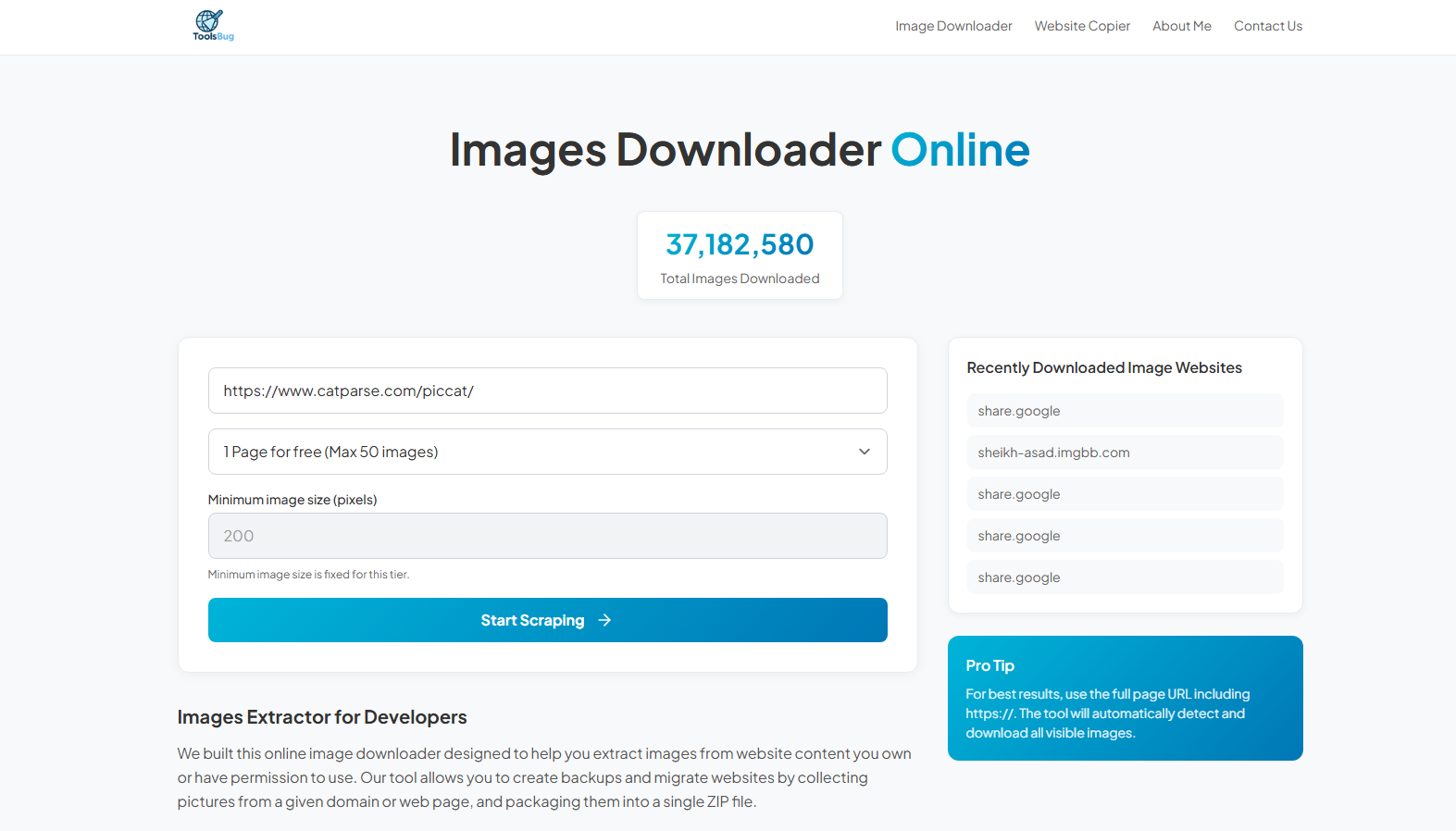
ToolsBug Images Downloader Online è uno strumento basato su browser che aiuta gli utenti a estrarre e scaricare immagini dalle pagine web senza installare software aggiuntivo. È sufficiente inserire l'URL di una pagina web e lo strumento ne analizzerà le risorse disponibili per identificare immagini e altri file scaricabili.
2. Pro e contro dell'utilizzo di programmi online per scaricare immagini.
I programmi online per scaricare immagini sono comodi, ma non sono perfetti per ogni situazione.
Vantaggi:
- Nessuna installazione: Funziona direttamente in un browser.
- Facile da usare: È sufficiente incollare un URL e scaricare.
- Multipiattaforma: Funziona su computer e dispositivi mobili.
- Download rapidi: Ideale per salvare immagini occasionalmente.
- Opzioni per acquisti all'ingrosso: Alcuni strumenti supportano il download di file ZIP.
Svantaggi:
- Download in blocco limitati: Non ideale per collezioni numerose.
- Compatibilità con il sito web: Alcuni siti potrebbero non essere supportati.
- Connessione internet necessaria: Dipende da una connessione online.
- Meno funzionalità: Funzionalità limitate di filtraggio, rinominazione e gestione dei file.
- Limiti di elaborazione: Le pagine di grandi dimensioni potrebbero richiedere più tempo per essere elaborate.
3. Prova il software definitivo per scaricare immagini in blocco: PicCat
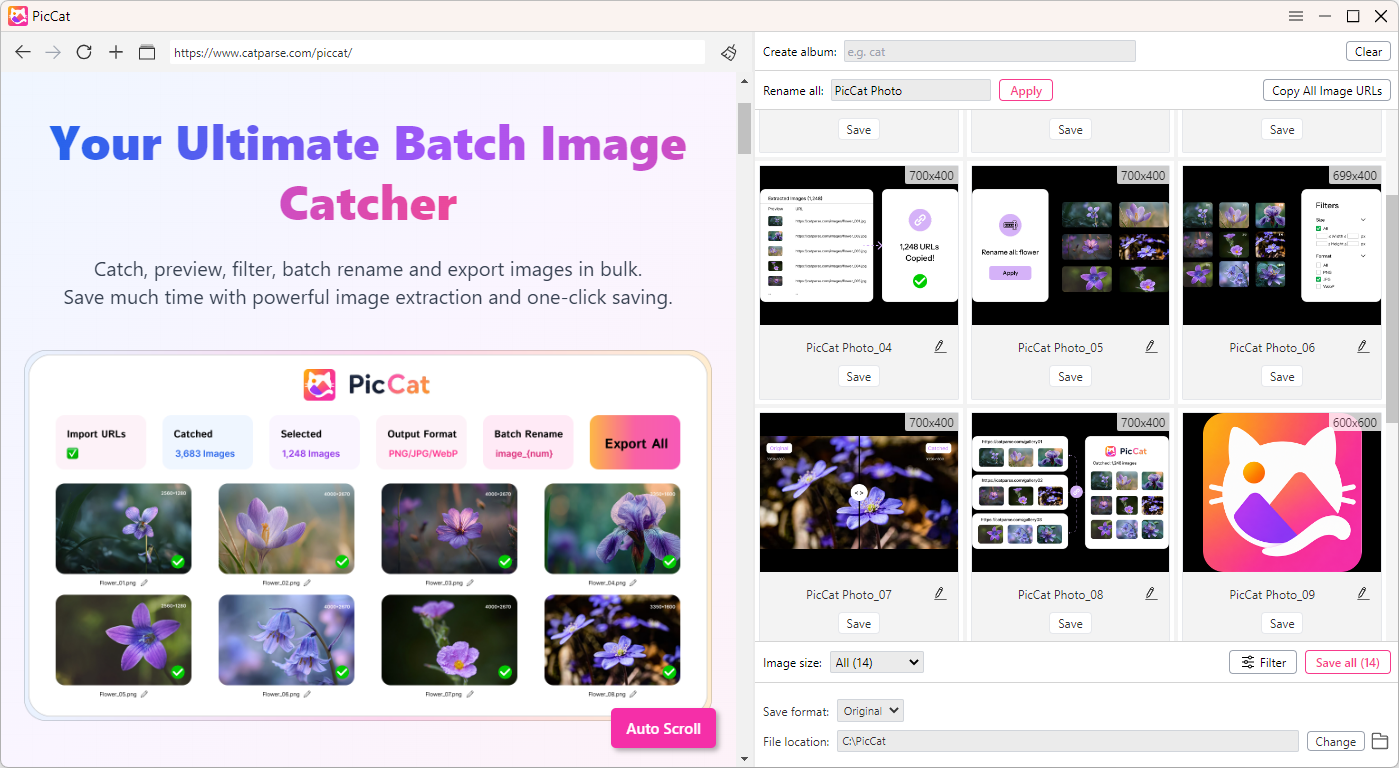
Se scarichi frequentemente immagini in blocco, PicCat è un programma per scaricare immagini da desktop, progettato per rendere il download di immagini di grandi dimensioni più veloce e semplice.
Anziché incollare ripetutamente gli URL in un servizio online e scaricare i file uno per uno, PicCat offre un flusso di lavoro desktop dedicato per raccogliere, filtrare, visualizzare in anteprima e scaricare più immagini contemporaneamente. Questo lo rende particolarmente utile per designer, ricercatori, creatori di contenuti, esperti di marketing e chiunque lavori regolarmente con grandi raccolte di immagini.
Caratteristiche principali di PicCat:
- Download di immagini in blocco da pagine web e URL di immagini
- Estrazione rapida delle immagini per grandi collezioni
- Anteprima dell'immagine prima di scaricare
- Filtro delle immagini mediante proprietà utili come formato o dimensione
- Ridenominazione in batch per una più facile organizzazione dei file
- Gestione URL per copiare ed esportare i collegamenti delle immagini
- Supporta diversi formati: JPG, PNG, GIF, WebP e Originale.
- Flusso di lavoro desktop per la gestione di attività di download di grandi dimensioni
Come usare PicCat:
- Scarica e installa PicCat sul tuo computer Windows o Mac, quindi avvia l'applicazione.
- Copia gli URL delle pagine web contenenti le immagini che desideri salvare, quindi aggiungili a PicCat. Il software analizzerà gli URL e visualizzerà le immagini disponibili. Visualizza l'anteprima dei risultati e utilizza i filtri per trovare i file che ti servono.
- Seleziona le immagini che desideri salvare e avvia il download in blocco. Puoi organizzare o rinominare i file a tuo piacimento.
4. Conclusion
I programmi online per scaricare immagini sono comodi per salvare rapidamente le immagini senza installare software, soprattutto per i download occasionali. Tuttavia, possono risultare limitanti quando è necessario scaricare un gran numero di immagini.
Per download frequenti o in blocco, PicCat è una scelta più efficiente, offrendo funzionalità come download in blocco, estrazione di immagini, filtraggio e gestione batch. Se scarichi regolarmente più immagini, PicCat può contribuire a rendere il processo più rapido, più semplice e più organizzato.